HANK. Your Partner in Growth.
Let's get your NFC product working.
Point your card, sticker, or wristband to your Google review page, website, socials, or any link you like. It takes about five minutes.
Choose your link
Want more Google reviews?
Search for your business and pick it from the list. We'll create your Google review link for you.
Prefer another link? Any web address works. Just copy it.
- Website
- Instagram or Facebook
- Booking page
- Payment page
Download NFC Tools
NFC Tools
Free · by wakdev
iPhone
Download for iPhoneAndroid
Download for AndroidOn a computer? Scan the code with your phone's camera.
Write your link
1Add a record
Open NFC Tools, tap Write, then Add a record.
2Choose Custom URL / URI
Pick Custom URL / URI from the list.
3Paste your link
Paste the link from step 1, then tap OK.
4Check the link
Make sure the saved record shows your full link.
5Tap Write
When it says Ready to Scan, hold your HANK product to the phone.
6Wait for the check
Keep it still until you see the checkmark.
Tap and test
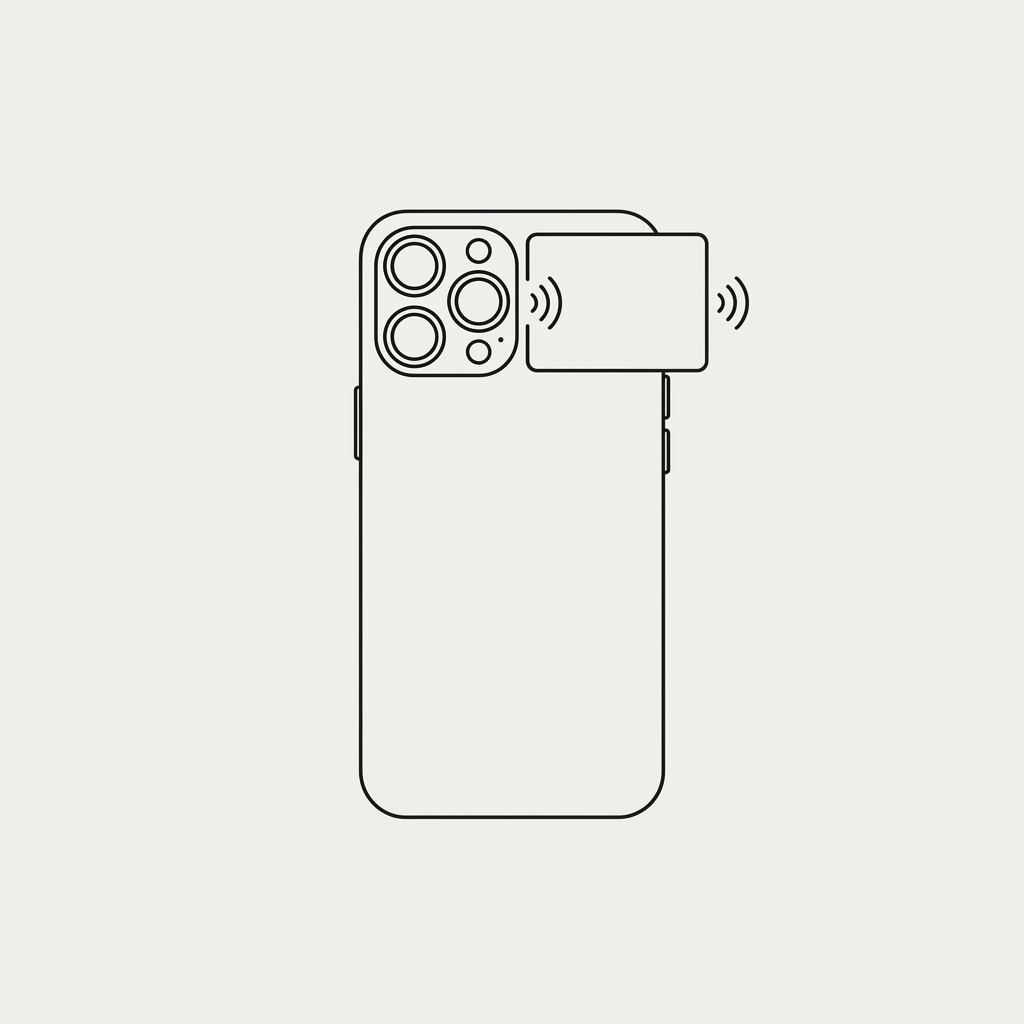
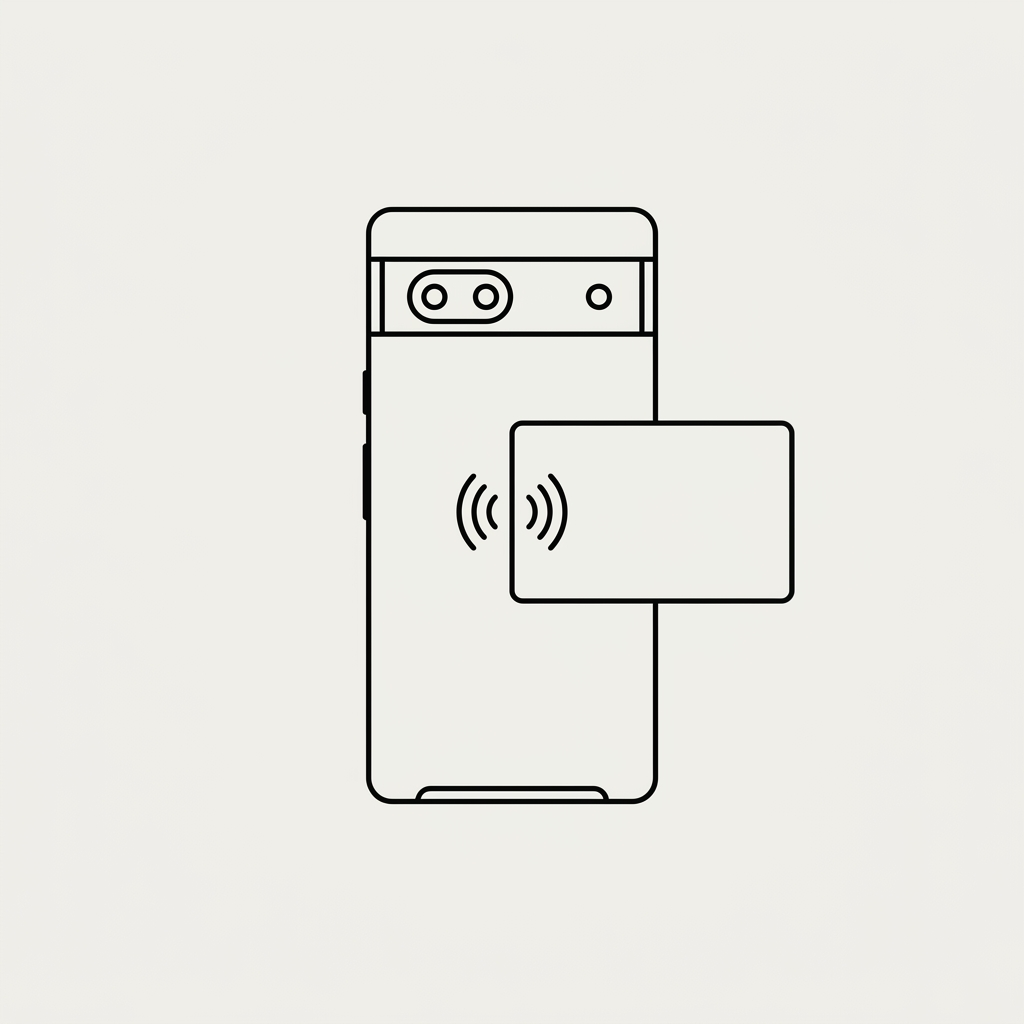
1Tap the notification
Go to your home screen, tap your product, then open the pop-up.
2Check where it opens
Your review page or website should open. Yours will look different.
Your customers don't need any app. They just tap.
Need a hand?
Still stuck? We're here.
hello@myhankhq.io